Access Control Systems for NYC Buildings: A Buyer's Guide
An access control system replaces or supplements keys with credentials the building controls: fobs, cards, PIN codes, phones, or fingerprints. For a NYC building or business, installed systems start around $500 per door and scale with door count, credential type, and wiring. The right system for a six-unit walk-up and the right system for a 40-person office are different machines, and this guide sorts them.
That is the short version. Here is how the pieces fit, what each choice costs you in money or convenience, and the New York wrinkles (fire egress, tenant key rights, prewar wiring) that a spec sheet from a national vendor will not mention.
The four parts of every system
Every access control setup, from a single keypad to a campus, is the same four parts:
- The credential. The thing a person carries or knows: fob, card, code, phone, fingerprint.
- The reader. The device at the door that checks it.
- The controller. The brain that decides yes or no, either inside the reader (standalone) or in a panel wired to many doors (networked).
- The locking hardware. An electric strike or magnetic lock that physically releases when the controller says yes.
Systems fail or annoy at the part nobody thought about. A beautiful cloud dashboard attached to a misaligned strike is a door that does not close. This is why access control is locksmith work as much as IT work: the door, frame, and hardware carry the whole system.
Choosing the credential
- PIN codes. Cheapest, nothing to carry, nothing to lose. Codes get shared, though, so they suit low-turnover doors (a package room, a small office) better than a lobby.
- Fobs and proximity cards. The workhorse. Cheap to issue, instant to revoke, and the building keeps a log of which fob opened which door when. The failure mode is loaners and lending; the fix is revocation, which takes seconds.
- Mobile credentials. The phone is the fob, over Bluetooth or NFC. Nothing extra to carry and remote issuing is instant. Confirm the reader keeps a fallback (fob or PIN) for dead phones and visitors.
- Biometrics. Fingerprint or face. Nothing to share or lose, higher hardware cost, and worth it mainly for server rooms, stockrooms, and anywhere credentials must not circulate.
Mixed deployments are normal: fobs for residents, PIN for the super’s closet, biometric for one sensitive room.
Electric strike or magnetic lock, and the egress rule
The locking hardware decision has a safety rule attached, and it is not optional. Exit paths must always allow free egress: anyone inside must be able to leave with one motion, power or no power. In practice that means magnetic locks pair with request-to-exit sensors and push bars, and life-safety wiring releases them on alarm. An electric strike with ordinary passage hardware on the inside handles this mechanically, which is one reason strikes are the default answer for most single doors.
If a vendor sketches a maglock design that could ever hold someone inside, walk away. This is the line between an access control installer and someone who read a catalog.
Standalone or networked
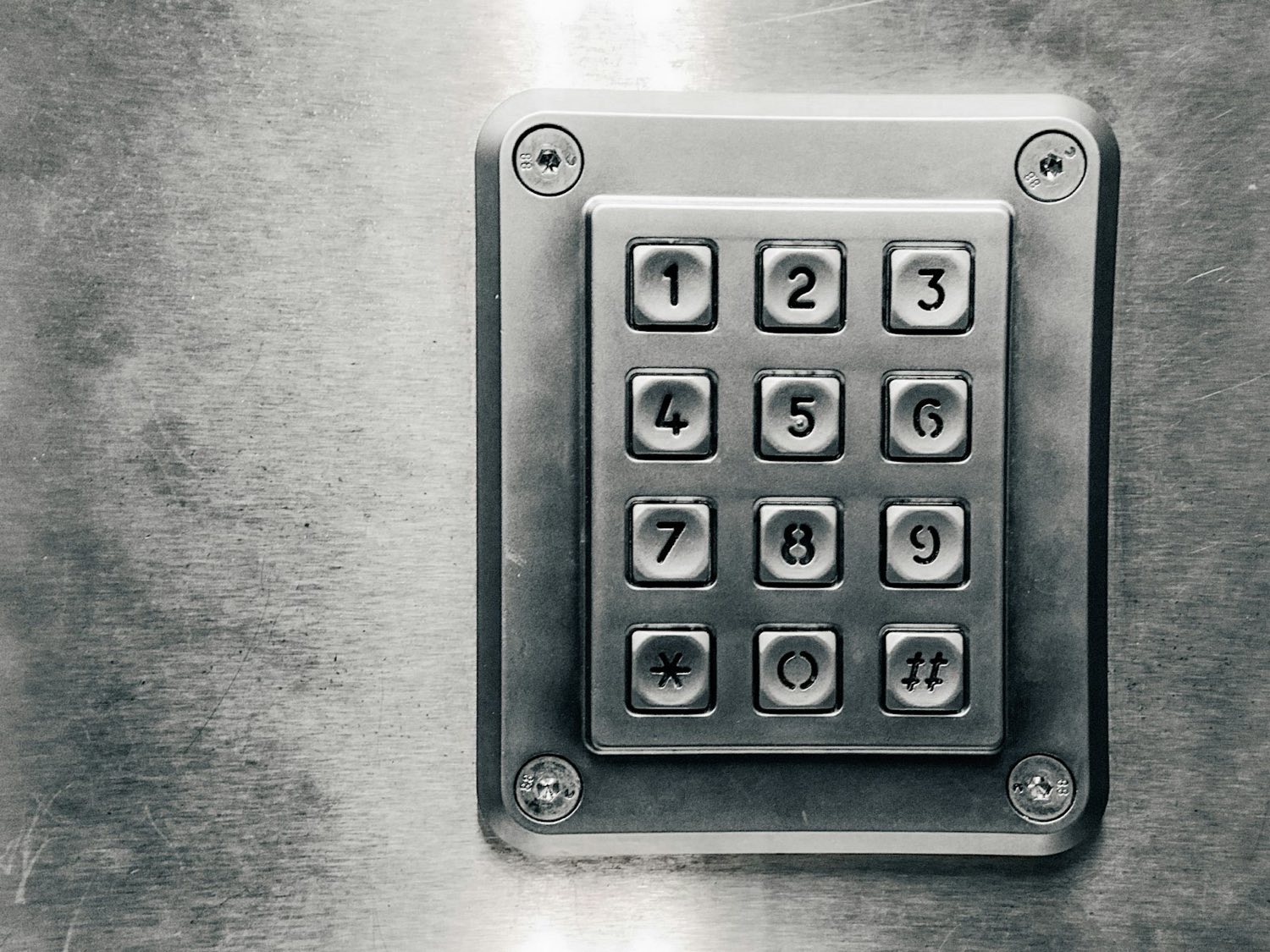
- Standalone (a self-contained keypad or fob reader on one door): right for a single entrance, a storage room, a small storefront back door. Programming happens at the keypad. Low cost, no network to maintain, no audit trail to speak of.
- Networked (doors wired or wirelessly linked to a controller with software): right the moment you care about who entered when, want to revoke a credential from a desk, or manage more than a couple of doors. Cloud-managed systems add remote administration, which for a portfolio manager in Manhattan overseeing buildings in three boroughs is the entire point.
You will hear platform names in this market: Kantech, Lenel, Honeywell, and a wave of newer cloud-first names. We install and service systems across the major platforms and, more usefully, we will tell you when a $500 standalone keypad solves the problem a $5,000 proposal was written for.
What it costs in NYC
Installed access control starts around $500 for a single-door standalone system and rises with:
- Door count, the biggest multiplier, since each door needs a reader and hardware.
- Credential and reader type, with PIN cheapest and biometric highest.
- Locking hardware, where a clean strike install into a steel frame is routine and a maglock with egress devices is more.
- Wiring runs. Prewar plaster, brick, and slab make cable pulls the labor line. Wireless readers cut it where the door allows.
- Integration, tying into intercoms, CCTV, or alarm panels.
We quote all-in after a walk-through, since the door and frame condition decide half the labor. The access control service page covers the install process; commercial jobs across the boroughs run through our commercial services, with Manhattan specifics on the commercial locksmith Manhattan page.
The NYC wrinkles
- Walk-up buzzer buildings. The classic retrofit: keep the intercom, add fob entry at the front door. What to keep and what to replace is its own decision, covered in our buzzer vs smart entry guide.
- Residential tenants keep key rights. If the building is residential, going keyless at the lobby has legal edges: New York’s Tenant Data Privacy Act pushed keyless buildings to offer physical-key alternatives, and tenant-installed locks have their own state-law protection. The tenant-side view is in our smart locks for renters guide; boards and owners should read it as the list of what they cannot casually take away.
- Supers, staff, and turnover. Access control shines exactly where key control fails: a fob for a departed porter dies from a desk. If the building still runs on a physical master-key system underneath, pair the upgrade with a review of that hierarchy; our master key guide explains the design.
- After-hours lockouts do not disappear. Fobs die, codes get forgotten, strikes fail. What changes is the fix: a call and a credential reset instead of a drill. Our property manager playbook covers the operational side.
What breaks, and the maintenance that prevents it
Access control is electromechanical hardware living on the most-slammed doors in the building, so plan for wear the way you plan for boiler service:
- Readers die from weather and vandalism at street-facing doors. Exterior-rated housings and sensible mounting height buy years.
- Electric strikes drift out of alignment as doors settle, which shows up as the door needing a shoulder push after the beep. That is a ten-minute adjustment when caught early and a jammed lobby when ignored.
- Power supplies and backup batteries are the silent single point of failure. The backup battery that was never tested is the reason a building’s fobs all die in the same blackout. Put a battery check on the annual calendar.
- The database outlives everyone. Departed tenants and staff accumulate in the credential list until someone audits it. A yearly purge of dead credentials costs nothing and is the entire point of having revocation.
Buildings that fold these into an annual service visit spend less than buildings that meet their system for the first time during a failure.
How an install goes
- Walk-through and assessment. Doors, frames, existing hardware, wiring paths, and what problem you are actually solving.
- Proposal. System type, credential plan, per-door hardware, all-in price.
- Installation. Hardware, readers, controller, wiring, tested against the egress rule.
- Programming and handoff. Credentials issued, admin training, revocation walkthrough.
- Service. Readers, strikes, and power supplies are mechanical things in a city that is hard on doors. We repair the systems we install and plenty we did not.
For a walk-through anywhere in the five boroughs, call (844) 912-1908.
Related reading. For the tenant side of a lost credential, see lost your NYC apartment building key fob.
Frequently Asked Questions
What does access control installation cost in NYC? Installed standalone single-door systems start around $500; networked multi-door systems price per door plus the controller and wiring. Door count and cable runs drive the total more than the brand does. We quote all-in after a walk-through.
Can you install fob entry without replacing our intercom? Usually, yes. Fob or keypad entry at the lobby coexists with an existing buzzer; the intercom keeps handling visitors while residents use credentials. Whether the aging intercom is worth keeping is the real question, covered in our buzzer-vs-smart-entry guide.
Which access control brands do you work with? We install and service systems across the major platforms, from standalone keypads to networked and cloud-managed systems (names you will meet in proposals include Kantech, Lenel, and Honeywell). The recommendation follows the building, not a brand quota.
Can tenants be forced onto fobs with no physical key? For residential buildings, be careful: New York’s Tenant Data Privacy Act pushed keyless residential entry systems to provide alternatives, and tenants hold add-a-lock rights on their own doors under state law. Commercial tenancies are contract-driven. Design for a physical fallback either way.
Do fobs and readers fail, and then what? They fail like any hardware: dead reader, stuck strike, drained backup battery. The system should fail predictably (secure on the outside, free egress inside), and a service call resets it. That failure design is part of the install, not an accident.
Need Expert Help?
If you have questions about any of the security solutions discussed in this article, our team is ready to provide expert guidance.
Call us at (844) 912-1908 for a free consultation or to schedule a service.