NYC Airbnb Lock Setup Guide: Post-Local Law 18 Reality
New York City's Local Law 18, in effect since September 2023, fundamentally changed the short-term rental market in NYC. Most rentals under 30 days are now illegal unless the host is present during the stay, the unit is registered, and a long list of building-type and zoning rules are met.
The market did not disappear. It contracted, shifted, and partially legitimized. For NYC hosts still operating legally (registered, owner-occupied, 30+ day stays, or 1-2 unit owner-occupied buildings with on-premise hosts), the operational side of running a rental still includes a serious question: how do you let guests in without handing them physical keys, and how do you protect the unit between guests?
The lock setup is the operational backbone. Here is what works in NYC and what does not.
The legal landscape, very briefly
This post is not legal advice. It is operational guidance for hosts who already are confident their rental is compliant. The basics:
- Stays of 30 days or longer are not "short-term" under the law and are not subject to LL18. Most operating models in NYC have shifted to monthly rentals.
- Stays under 30 days require the host to be present in the unit during the stay, and the unit must be registered with the NYC Mayor's Office of Special Enforcement.
- Buildings with three or fewer dwelling units have more flexibility, but still require host-presence for under-30-day stays in many cases.
- Co-ops, condos, and rent-stabilized units have additional layers of restriction beyond LL18.
If you are unsure about your compliance status, get a real lawyer. The fines for non-compliance ($1,000-$7,500 per violation) make a small expert consult worth it.
For this guide, we assume you are operating compliantly. The lock setup discussion is the same regardless of whether your stays are 31 days or 365.
The two operational models
Most legal NYC rental setups fall into one of two patterns:
Pattern A: Owner-occupied with rented room. You live there. A guest rents a room. The guest needs access to the building front door, the apartment front door (sometimes shared with you), and their private room (sometimes lockable, sometimes not).
Pattern B: Whole-unit rental, host on premises. You live next door or upstairs and rent your second unit. Guest needs full access to their unit. You need the ability to enter for maintenance, emergencies, or end-of-stay cleaning.
Both patterns share one operational headache: changing access between guests without rekeying the building lock or distributing physical keys to people whose ID copies you do not retain.
The answer is some combination of smart locks, time-limited codes, and a clear policy about which doors are which.
The lock setup, layer by layer
Layer 1: The building front door
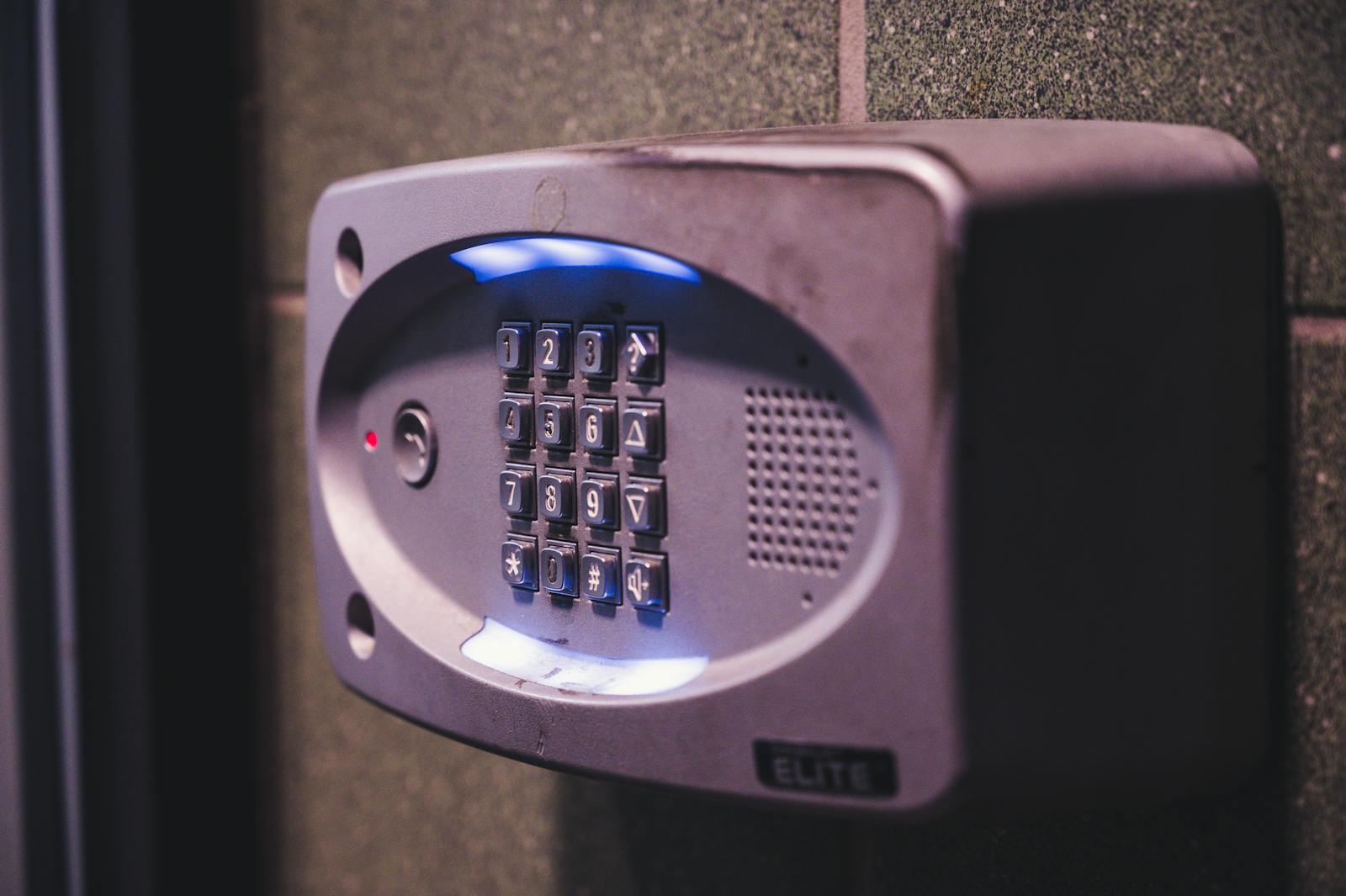
This is usually outside your control. The building has its own buzzer system or smart entry. If the building still uses 1970s buzzers, the friction for guests is significant: they cannot enter without you releasing the door, which means every late-arriving guest requires you to be awake at 11 PM.
For hosts in buildings with modern smart-entry systems (ButterflyMX, DoorBird, similar), the friction drops dramatically. You can issue a time-limited code or QR for the guest's stay window. For more on building-level systems see the buzzer vs smart entry post.
For buildings still on old buzzers, two options:
- Coordinate with the building to install a smart entry. Pitch it to the board or owner. Frame it as resident-quality-of-life, not "I want to host more easily." The board often agrees because the system benefits all tenants.
- Be available to buzz guests in. Less elegant, more friction, but acceptable for low-volume hosting.
Layer 2: The apartment / unit door
This is the layer you control and the most important for the operation. You need:
- A way to issue time-limited access codes to each guest.
- A way to revoke access when the stay ends, automatically or at your command.
- A backup mechanical key in case the smart lock fails or the guest's phone is dead.
- A locked storage area for your personal items (if you also live in the unit) that the guest cannot access.
For the unit door, a smart lock with keypad and a manual thumb-turn inside is the right answer. Recommended products that we install routinely:
- Schlage Encode Plus. Built-in WiFi, Apple HomeKit and Schlage app, keypad with manual entry, mechanical key backup. About $300 plus install.
- Yale Assure Lock 2 (Touchscreen + Wi-Fi). Touchscreen keypad, Yale app, mechanical key backup. About $250 plus install.
- Level Bolt or Level Lock+. Hidden retrofit (looks like a standard deadbolt from outside), Apple HomeKit compatible, app-only access. About $300 plus install. No visible keypad; guests enter via their phone with a one-time link. Best for higher-end rentals where the look matters.
- August Wi-Fi Smart Lock. Retrofit over existing deadbolt, app + keypad option. About $230 plus install.
Any of these supports time-limited codes. The host sets a code for each guest, valid only during the stay window. Code expires automatically. Guest never has a physical key.
Install runs $120-$200 for a straightforward retrofit. Add $80-$120 if mortise-lock conversion is needed (which is common in pre-war NYC apartments).
See smart lock installation NYC for the install details.
Layer 3: Internal lockable storage (for owner-occupied units)
If you rent a room in your own apartment, you need a way to secure your personal effects. Options:
- A locked closet or cabinet. Standard cylinder padlock or cabinet lock. About $40-$80 in hardware. Works for small valuables and documents.
- A locked door to a bedroom or office. Standard deadbolt with key. $80-$140 installed.
- A small floor safe. Bolted to floor, holds passports, jewelry, smaller electronics. $300-$700 installed. Covered on the safe services NYC page.
The trick is having enough lockable space that you can stop worrying. About 70% of new airbnb-style hosts in NYC overestimate how much they need to lock and end up with elaborate systems they barely use. Start minimal, add as needed.
Layer 4: Mailbox
If guests will receive any mail or packages, the mailbox question matters. Most NYC mailbox banks are USPS-controlled and only the lease-holder has the key. Solutions:
- Have packages delivered to a building lobby or to a smart-locker service. Reduces mailbox dependency.
- Issue guests a copy of the mailbox key for stays where mail receipt is needed. Risk: lost copy or unauthorized duplication. Mitigate by changing the cylinder after each stay (~$60-$90 per change). Covered on mailbox lock replacement NYC.
- For longer stays (60+ days), update the building's mailbox lock to a restricted keyway that prevents unauthorized duplication. About $120-$180. The host retains the master, the guest gets a key that cannot be copied.
The cleaner / contractor code rotation
The other operational pattern that smart locks handle gracefully: cleaners between stays, occasional contractors, occasional friends.
Set up the smart lock with three persistent codes plus the rotating guest code:
- Your personal code. Memorized.
- A cleaner code. Given to your regular cleaner. Rotate annually as a hygiene practice.
- An emergency / management code. For your spouse, a close friend, or a property manager. Same hygiene.
- The rotating guest code. New for each stay. Expires at stay-end automatically.
Most smart locks support 20+ codes, so adding additional persistent codes for handymen, dog-sitters, or the occasional family visit is straightforward.
The handover ritual that protects everyone
A consistent handover routine between guests prevents most of the operational problems:
- Before guest arrives: Issue the time-limited code by text 24 hours ahead. Include the unit number and the door's location (which is not always obvious in NYC walkups). Test the code remotely if the lock supports it.
- At checkout time: Wait 1 hour past checkout. Verify the lock log shows guest exit (most smart locks log entry/exit events). If they have not left, send a polite text.
- After confirmed checkout: Revoke the guest code immediately. Most smart locks expire it automatically, but verifying is good practice.
- Before next guest: Walk-through after cleaner is done. Confirm valuables are locked, no items missing, no damage. Issue new code for next guest.
The whole ritual takes about 30 minutes per turnover on top of cleaning time.
What does not work
A few patterns NYC hosts try and regret:
- Hidden physical key under a doormat or in a lockbox. Almost always discovered by neighbors within months. Building managers have caught wind of this and started citing.
- One persistent code that you give to every guest. Code circulates publicly within a year. Found in Facebook groups, Reddit threads, hand-written notes in coffee shops near rental units.
- Self-installed cheap smart locks from random e-commerce sites. Reliability is the gating factor. A smart lock that fails leaves a guest locked out at midnight and your phone ringing while you sleep. Buy from the major brands.
- No physical key backup. Smart lock batteries die. Smart lock firmware bugs happen. A unit that can only be opened by app is a unit that occasionally cannot be opened at all. Always have a mechanical bypass and a procedure for using it.
Security implications beyond access
A few things that often surprise hosts:
- Insurance: Most standard homeowners and renters policies exclude commercial / business use. If you are operating a rental, you need a host-specific insurance product (Airbnb's host protection is partial coverage; supplemental coverage is usually worth it).
- NYC tenant law for guests staying 30+ days: A guest who has been in your unit for 30+ continuous days may have tenant-like rights in NYC. This is a legal question, not a lock question, but it affects how you handle an end-of-stay scenario where the guest does not leave voluntarily.
- Security camera rules: Airbnb (and the law) prohibit indoor cameras in private spaces. Exterior cameras and common-area cameras need disclosure. Plan camera placement accordingly.
What this all costs together
Realistic NYC setup costs for a typical owner-occupied legal rental:
- Smart lock on the unit door (Schlage Encode Plus or equivalent): $280-$380 installed.
- Mailbox restricted-keyway upgrade: $120-$180 installed.
- Internal lockable closet or small safe: $80-$700 depending on choice.
- Door reinforcement on unit entry (strike + latch upgrade, optional): $130-$200. See door reinforcement NYC apartments.
- Initial setup time / training: $0 (DIY) to $80 (a locksmith walks you through it).
Total for a complete operation: roughly $500-$1,500 depending on choices and how much you DIY.
Frequently asked questions
Is Airbnb still legal in NYC? Stays of 30+ days are legal under most conditions. Stays under 30 days are restricted to registered, host-occupied operations under Local Law 18. Check your specific compliance with a lawyer.
Can I install a smart lock without my landlord's permission? For most NYC apartments, no. Lock modifications require landlord consent in writing. The compliant approach is to discuss with the landlord, often offering to remove the smart lock and restore the original at lease end. Some landlords are amenable, especially for owner-managed buildings.
What about co-op or condo restrictions? Co-ops typically restrict any operation that could be seen as a "transient occupancy." Even legal 30+ day rentals can violate co-op proprietary lease terms. Check the lease before assuming anything. Condos are more flexible but still have rules. See the co-op door lock rules NYC post for related compliance context.
Do guests need a physical key? With a smart lock, no. A unique time-limited code or app credential is sufficient. Mechanical key backup exists for the host, not the guest.
What if the smart lock fails during a guest's stay? Plan a backup procedure ahead of time. Most failures are battery-related and resolved in minutes by either the guest replacing batteries (with codes you provided) or you arriving with new batteries. Document the procedure in the guest welcome materials.
How often should I change the access codes? Rotating guest codes between each stay (which most smart locks do automatically). Persistent codes (cleaner, friend, emergency) rotated annually unless there is a specific reason to rotate sooner.
Can I add a camera at the door? Yes, a doorbell camera or door-facing exterior camera is allowed and recommended. Disclose to guests in your listing. Indoor cameras are prohibited.
Need Expert Help?
If you have questions about any of the security solutions discussed in this article, our team is ready to provide expert guidance.
Call us at (844) 912-1908 for a free consultation or to schedule a service.